
Yono Games Withdrawal: How It Works, Time Taken and Common Problems
How Yono games withdrawal works step by step – minimum amounts, bank and UPI details, processing time – and what to do when a withdrawal is pending or fails.
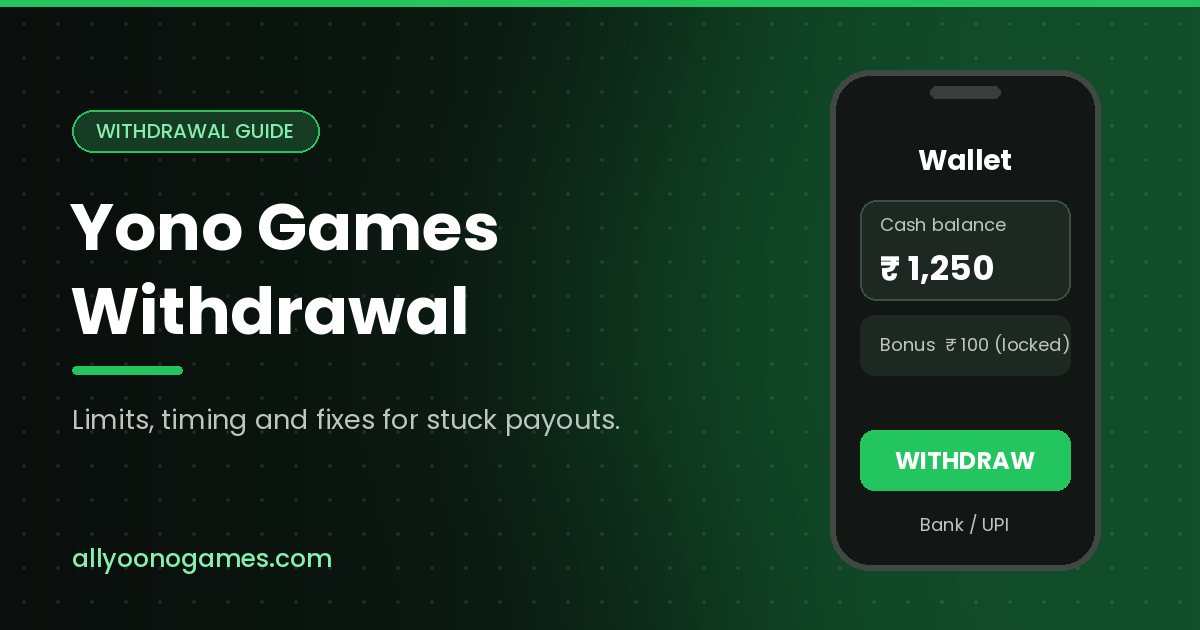
Table of contents
Depositing into a game app takes seconds; getting money out can take days. This guide explains how Yono games withdrawal usually works, how long it takes, why withdrawals get stuck and what you can do about it. Searches like "yono rummy game all 2026 withdrawal" show how common the problem is.
Cash balance vs bonus balance
Most Yono-style apps split your wallet in two. The cash (or "winnings") balance is what you can withdraw. The bonus balance comes from sign-up offers, promo codes and referral rewards, and is locked until you meet the wagering rules. If the withdraw button shows less than your total balance, this is usually why – see Yono games bonus explained.
How to withdraw from a Yono game
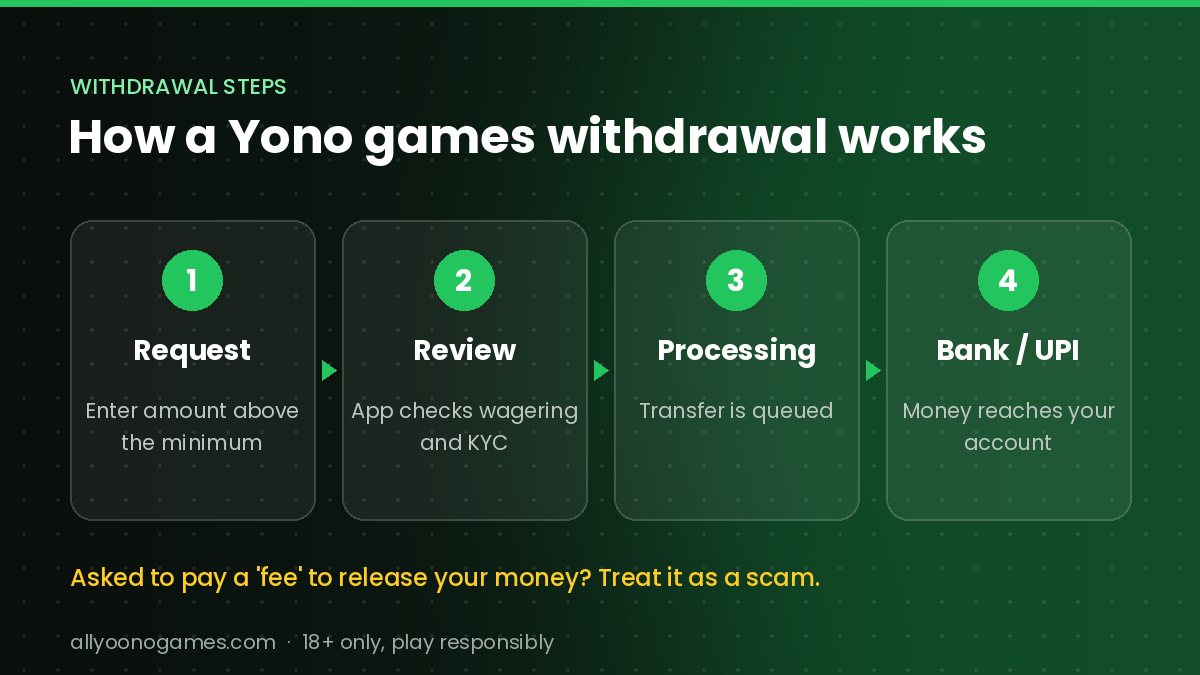
- Open the Wallet or Withdraw section in the app.
- Add your bank account (account number and IFSC) or UPI ID in your own name.
- Complete any KYC step the app asks for.
- Enter an amount above the minimum withdrawal and confirm.
- Keep a screenshot of the request and its reference number.
How long does a withdrawal take?
Apps usually advertise anything from a few minutes to 24 hours, but real timings vary. Requests can sit in "pending" while they are reviewed, and bank or UPI transfers can add more time, especially at weekends. Delays of several days, repeated "processing" messages or a demand for an extra deposit before release are warning signs.
Common withdrawal problems and fixes
Withdrawal pending for a long time
Check whether there is a daily limit or a review queue. Contact support through the app – not through numbers posted in comments – with your reference number and screenshots.
Withdrawal failed or returned
Usually the bank details don't match the name on the account, the IFSC is wrong or the UPI ID is inactive. Correct the details and try again.
"Insufficient withdrawable balance"
Your money is probably in the bonus balance, or you haven't met the wagering requirement yet. Read the bonus terms in the app.
Asked to pay a fee or tax to release the money
Treat this as a red flag. Paying more to unlock a withdrawal is a classic scam pattern – stop and don't send anything further.
Account blocked after a big win
Ask support in writing for the exact rule you broke and keep every message. If the app stops replying, report it.
If you think you've been scammed
- Stop depositing straight away.
- Save screenshots of payments, chats and the app's details.
- In India, report cyber fraud at cybercrime.gov.in or on the 1930 helpline as quickly as possible.
- Tell your bank if you shared card or UPI details.
The legal side
India's Promotion and Regulation of Online Gaming Act, 2025 bans online money games, and banks and payment apps can block transactions linked to them. That can affect both deposits and withdrawals. Check the law where you live before putting money into any app.
Frequently asked questions
What is the minimum withdrawal in Yono games?
It depends on the app and is shown on its withdrawal page. Check it before you deposit.
Can I withdraw bonus money?
Only after you meet the wagering rules, and often only up to a cap.
Why is my Yono game withdrawal not received?
Common causes are wrong bank details, a pending review, unmet wagering or a bank-side delay. If the app asks for more money to release it, treat that as a scam.
Still can't get into your account? Start with our Yono Games login and register guide.